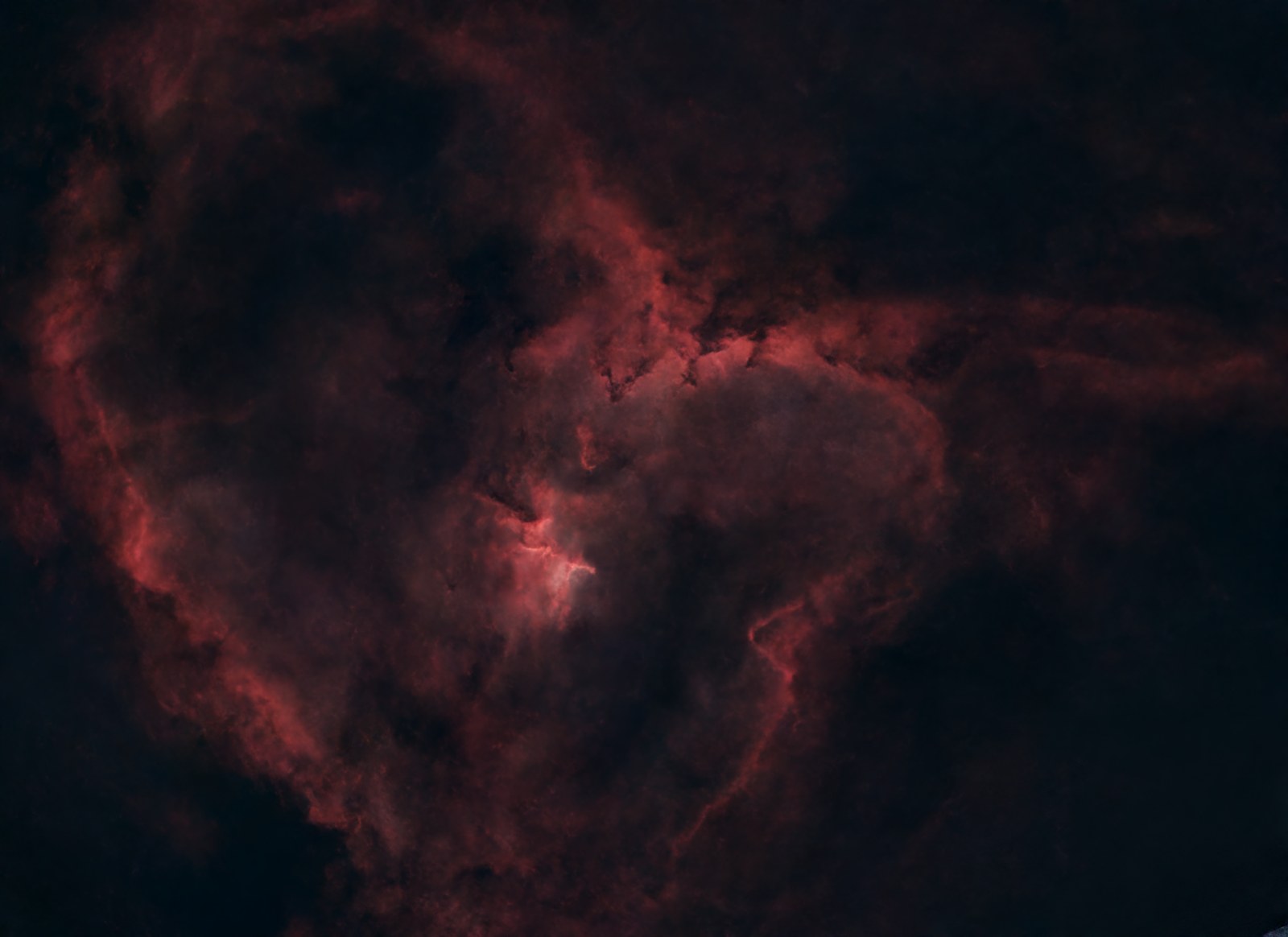
I've spent the last few months bouncing between astrophotography editors, and I've really started to rely on one: AstroWizard. It's free, it's easy to use, and it walks you through the whole process instead of dropping you in front of a hundred sliders with no idea which one matters. I know the Siril and PixInsight diehards are out there pulling incredible detail out of their data, and I don't doubt it for a second — those are serious tools built by serious people. But between chasing clear skies, actually imaging, and running this site, I don't have the extra hours those tools ask for. I want my shot processed and posted while it's still fresh — on the site, on Instagram — not sitting half-finished in a project file three weeks later. So here's how the three actually compare, and why my workflow keeps landing on the "wizard."
The Three Contenders, in One Line Each
- AstroWizard — free, guided, nine-step wizard that turns a stacked image into a finished photo without teaching you color theory first.
- Siril — free and open-source, cross-platform; more hands-on control over calibration, stacking, and stretching — you're driving, not being guided.
- PixInsight — the professional standard; total control and the highest output ceiling, a genuinely steep learning curve, and a real price tag for a one-time license.
Side-by-Side 📊
| Spec | AstroWizard | Siril | PixInsight |
|---|---|---|---|
| Price | Free — no account, no ads | Free, open-source (GPL) | ~$250 one-time license (45-day full-feature trial) |
| Platforms | Windows, macOS (Apple Silicon + Intel), Linux | Windows, macOS, Linux, FreeBSD | Windows, macOS, Linux |
| Learning curve | Minimal — guided, sequential steps | Moderate — you make the calls, but the interface stays approachable | Steep — process-icon workflow, its own scripting language (PJSR) |
| Workflow style | Load → crop → remove gradient → balance color → sharpen → reduce noise → stretch → beautify → export, one step at a time with live preview and undo | Calibration, alignment, and stacking through a control-center interface, then manual stretching/color work | Build and chain "process icons" for full control over every stage, from calibration through final stretch |
| Best at | Getting a finished, share-ready photo out fast | Free, scriptable calibration and stacking — great if you also want to batch-process or automate | Squeezing maximum detail out of narrowband and deep, noisy data |
| Where it struggles | Won't out-resolve a dedicated stacking tool on very complex data | More manual steps than AstroWizard; less guided for total beginners | Time investment and cost are real barriers before you see any payoff |
Why AstroWizard Is My Daily Driver 🧙
This is the one I actually use, so I can talk about it firsthand. AstroWizard takes a stacked image — mine comes off the Seestar S30 Pro, but it'll also take output from DWARF, ASTAP, Siril, or DeepSkyStacker — and walks you through nine steps in order: load, crop the edges, remove the gradient, balance color, sharpen, reduce noise, stretch, "beautify," and export. Every step shows a live preview and has undo built in, so you're never guessing whether you just wrecked the image.
It's built by an astrophotographer (Lukomatico, who a lot of you probably know from YouTube) with the specific idea that processing shouldn't require a second monitor full of tutorials open at all times. And it's genuinely free — no trial period, no watermarks, no account wall, no ads. It even quietly plugs in real tools under the hood (GraXpert for gradient removal, StarNet2 for star handling) instead of reinventing worse versions of them.
The honest reason I keep coming back to it: speed. I can go from a stacked file to a photo I'm happy posting in the time it'd take me to just open PixInsight's documentation. For a site where I'm trying to get fresh shots up while the target is still relevant — not six months later — that matters more to me than squeezing out the last 5% of detail.
Where Siril Earns Its Keep
Siril is the one I reach for when I want more control at the FITS level than AstroWizard gives me — it's free, open-source under the GPL, and it's been actively developed since 2005, with a real team behind it. It handles calibration, alignment, and stacking through its own control-center interface, does automatic defective-pixel detection, and (since version 1.4) supports drizzle. It's also scriptable, which is a genuinely big deal if you ever want to automate a repetitive processing pipeline instead of clicking through it every time.
The trade-off versus AstroWizard is exactly what you'd expect: Siril hands you more of the actual decisions — how you stretch, how you handle the background — instead of walking you through them. That's a feature if you want to actually learn what's happening to your data. It's a bit more friction if you just want a finished photo tonight.
Where PixInsight Wins (If You Have the Time)
I'll say this plainly: I've put in hours on PixInsight and just haven't gotten great results. What's clear from the outside is that it's the professional ceiling in this category. Its process-icon system lets you build and chain together exactly the workflow you want, it has its own scripting language for people who want to automate serious pipelines, and it's the tool most narrowband and deep-sky imagers reach for when they want the absolute best output and have the experience to get there.
That ceiling comes with real costs, though. It's about $250 for a one-time commercial license (there's a genuinely full-featured 45-day trial if you want to test it first), and the interface has a reputation — even among people who love it — for being dense and unintuitive until you've put in serious time. It's a real tool for people who want to go deep. It's just not where I personally live day to day.
So Which One Should You Actually Use? 🌌
You want a finished, share-ready photo tonight
You want a guided, no-jargon path from stacked image to finished photo, for free, without a learning curve standing between you and posting it.
You want free tools and more control
You're comfortable making your own calls on calibration and stretching, want scripting/automation, and don't want to pay for it.
You've got the time to invest
You're chasing the absolute best output on narrowband or deep data and are willing to pay for the license and put in the hours to learn the workflow.
Gear That Keeps This Workflow Running 💾
Software's free, but the hardware underneath it isn't — and that's honestly where the real cost of this hobby lives. Between the Mac minis I've got running out at Starfront pulling down data around the clock, the MacBook I actually sit down and process on, and the drives holding a growing pile of FITS files, here's what's actually carrying this workflow:
External storage — a single deep-sky target with a few thousand subs adds up fast; a 2TB drive is the realistic floor if you're stacking anything serious. I'd point people to the SanDisk 2TB Extreme Portable SSD (USB-C 3.2 Gen 2, IP65 water/dust resistance) — it's the best seller in the category for a reason, and drop/dust resistance is a real plus if it's traveling between a scope and a laptop instead of sitting on a desk.
Mac mini (the Starfront workhorse) — this is the unglamorous MVP of the whole setup: a small, low-power machine that just sits at the observatory and gathers data session after session. The base Apple Mac mini with M4 chip (16GB unified memory, 256GB SSD) is more machine than a dedicated capture computer actually needs, which is exactly why it works so well for it.
MacBook (the editing rig) — whatever you're running AstroWizard, Siril, or PixInsight on, Apple silicon makes the stacking and stretching noticeably faster than older Intel machines. The Apple MacBook Air 13-inch with M5 chip (16GB unified memory, 512GB SSD) is the current sweet spot for a laptop that has to do normal-life stuff too, not just process nebulas at midnight.
"I'd rather have tonight's photo live on the site tomorrow than have next year's masterpiece still waiting on processing."
Try them yourself: AstroWizard · Siril · PixInsight